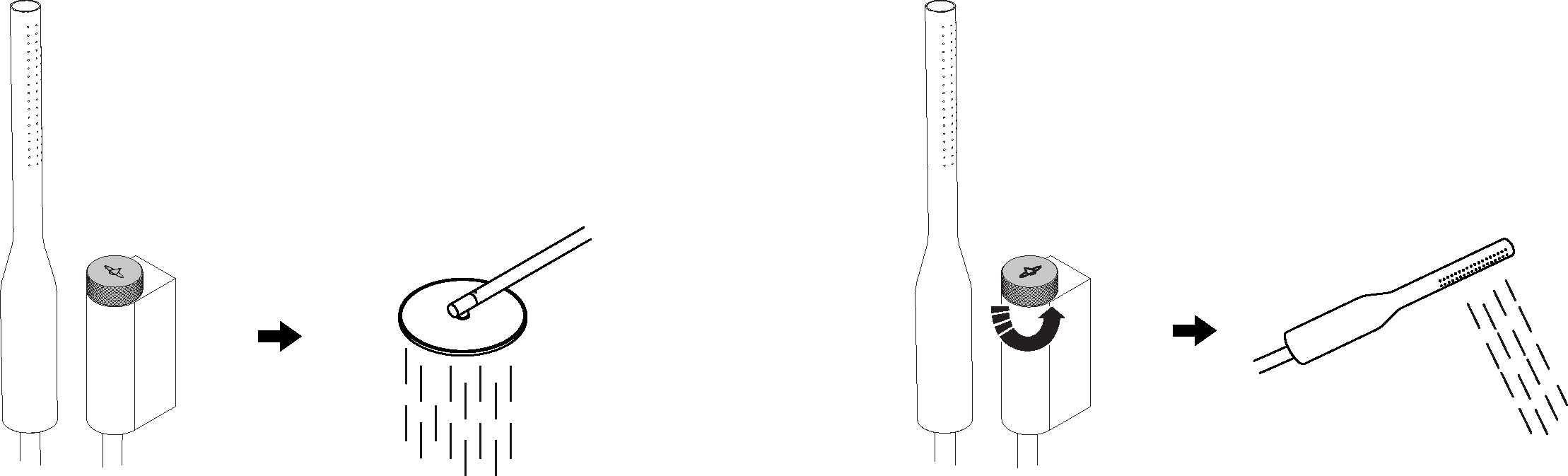
Operating the Orbital Shower
Tip: Does this look different from the interface on your Control Dial? You may have the Swipe interface, see the Swipe interface User Guide instead.
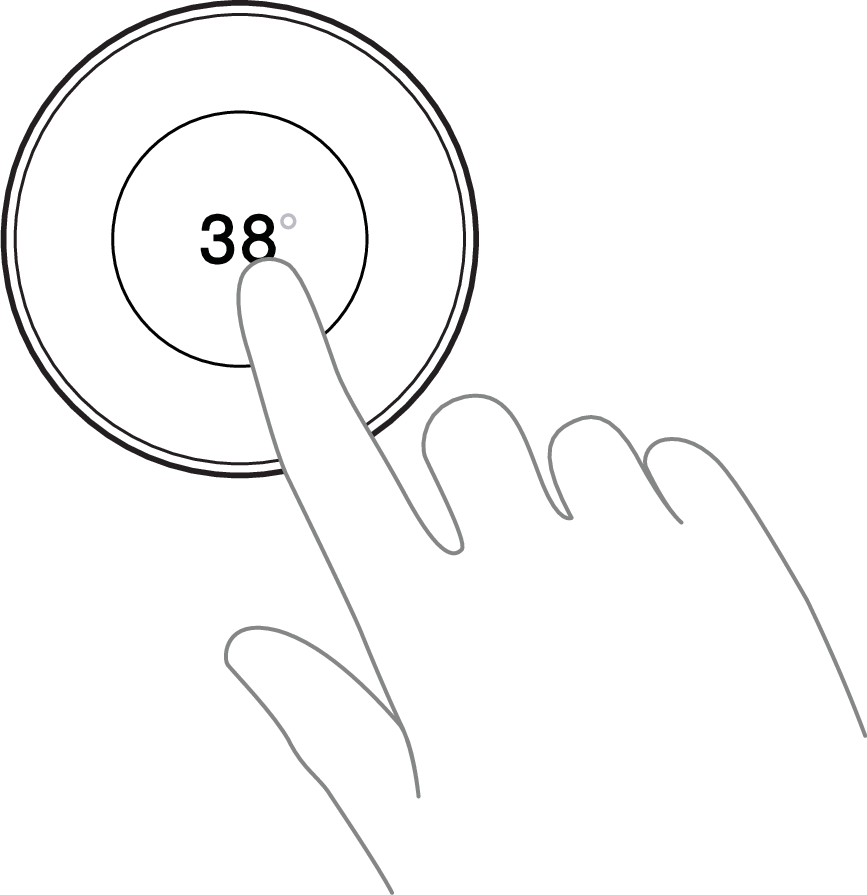
Tap to start and stop the shower | ||
The Orbital Shower performs a short startup sequence to fill up the system and adjust the water temperature before water starts pouring. After the shower session, it also performs an Express cleaning sequence to empty and prepare the system for the next user. Use the My Water app to set an instant start time, which primes the shower to deliver water the instant it is started. More details are available in the app. | ||
| ||
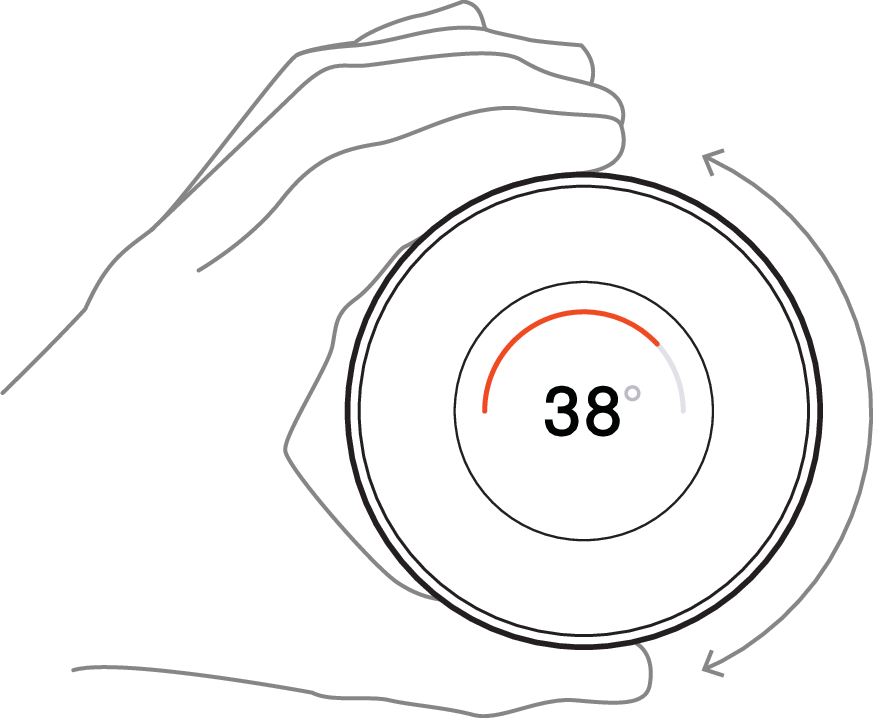
Turn to adjust the temperature | ||
| ||
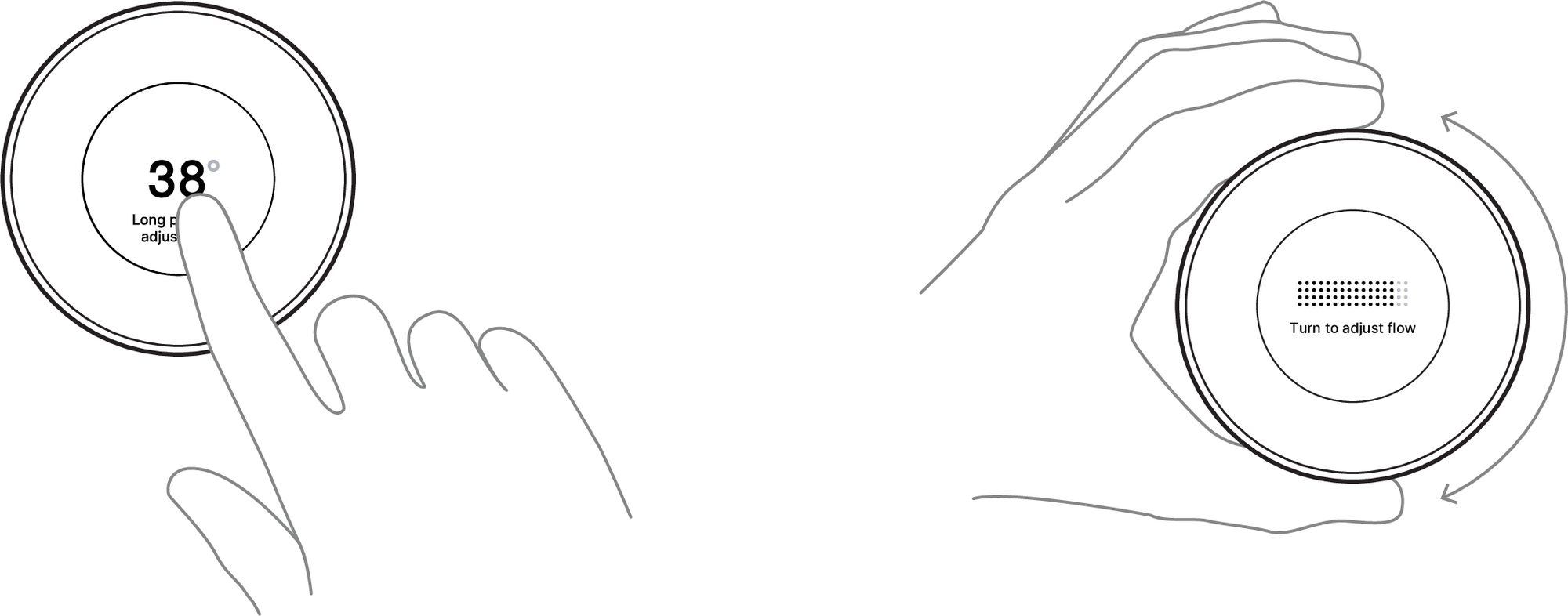
Adjusting the flow | ||
Home: adjust the flow via Adjust flow in the shower menu (see Shower Menu Features). Business: long press to access the flow control, then turn to adjust. This works only during active shower session. Tap the screen again or wait five seconds to return to the main screen.
| ||
Turn the diverter to switch between the overhead shower and hand shower | ||
| ||