Shower Menu
Long press to access the shower menu. Home: a standard long press. Business: long press for 7 seconds (prevents guests from opening the menu by accident).
Turn to navigate.
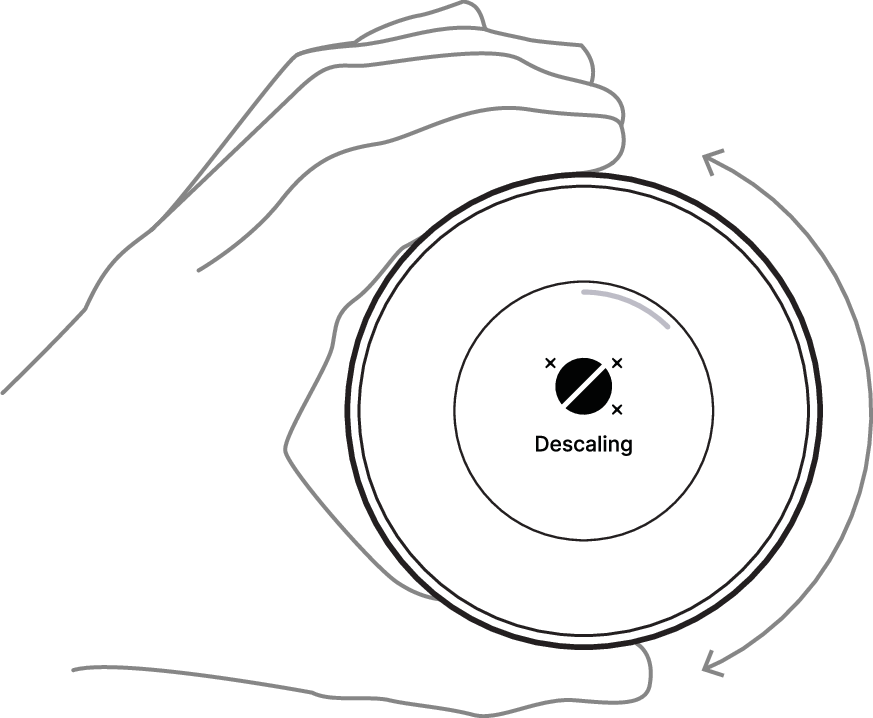
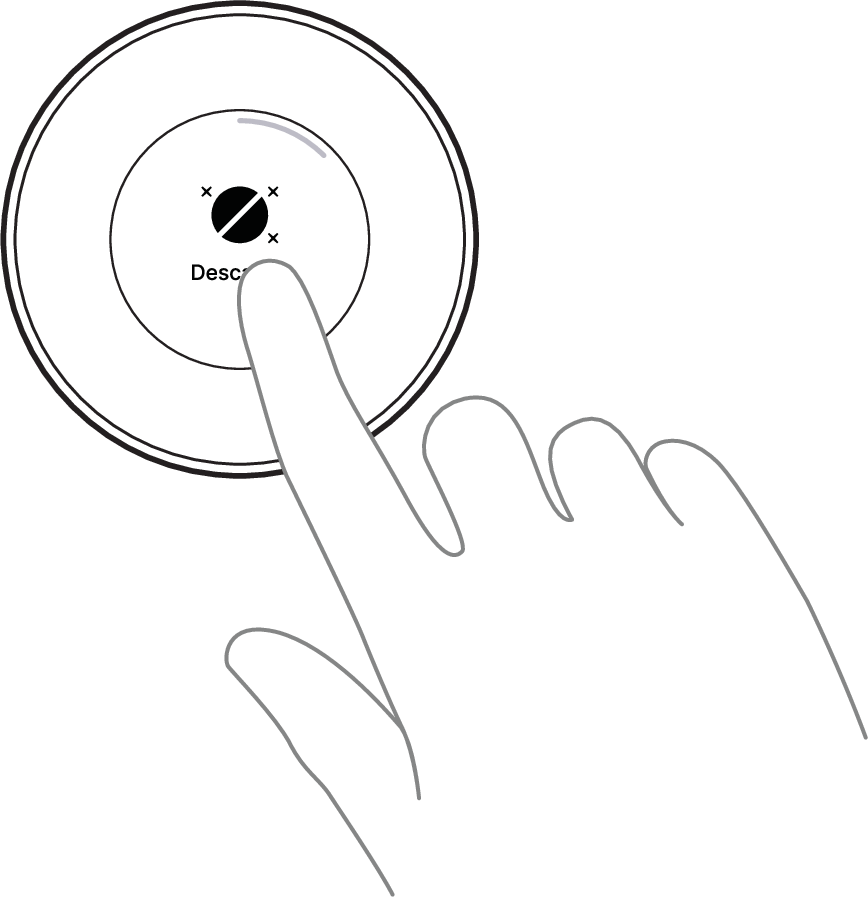
Tap to select feature.
Business: the shower menu can only be opened when the shower is idle. When idle, the shower is powered on but not running a session. To end an active session, first pause the shower, then long press for 3 seconds. After the Express cleaning the shower returns to idle, where the menu can be opened.