[en] Presets and menu features
| Figure 17. [en] Hand wash [en] Sets the water temperature to 38°C, and the water flow to 5 l/min. | |
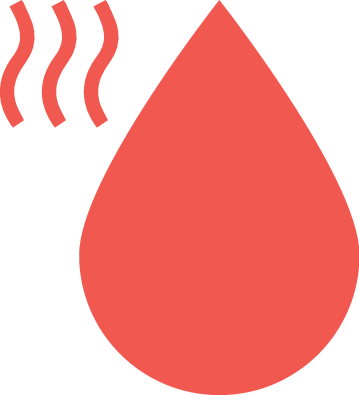
| Figure 18. [en] Hot water [en] Sets the water temperature as hot as possible. | |
| Figure 19. [en] Cold water [en] Sets the water temperature as cold as possible. | |
| Figure 20. [en] Dark/Light theme Le Control Dial propose deux thèmes visuels : thème sombre et thème clair. | |
| Figure 21. Device ID [en] Displays the Tap's unique ID. The Device ID is used when you want to add the Tap to your My Water account. | |
| Figure 22. [en] Wi-Fi [en] Indicates that the Tap can not connect to the internet. Troubleshoot your internet connection and check your network settings. |