[en] Operating the Orbital Tap
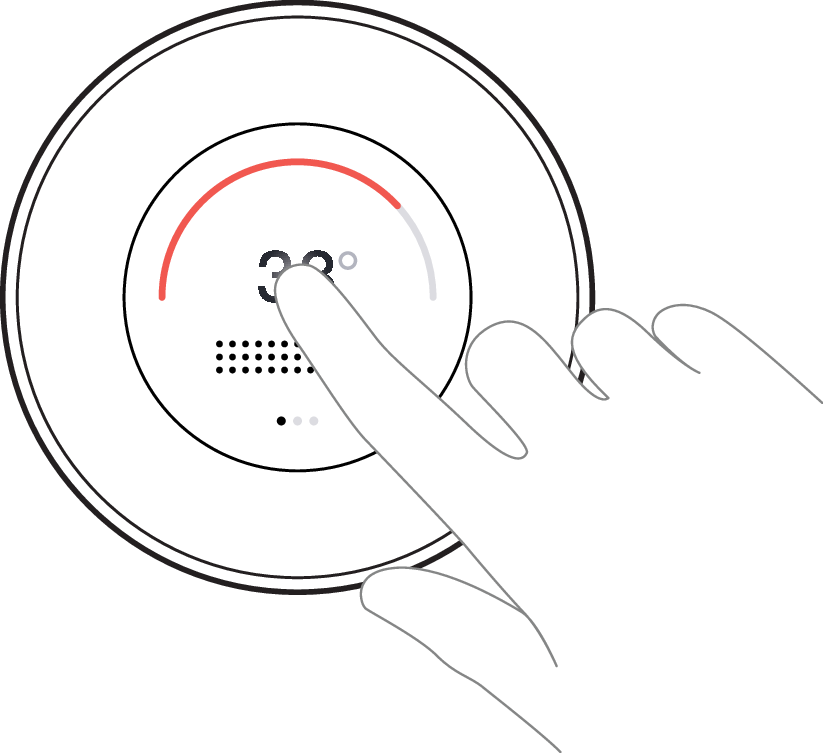
[en] Tap the center of the Control Dial to start and stop
 |
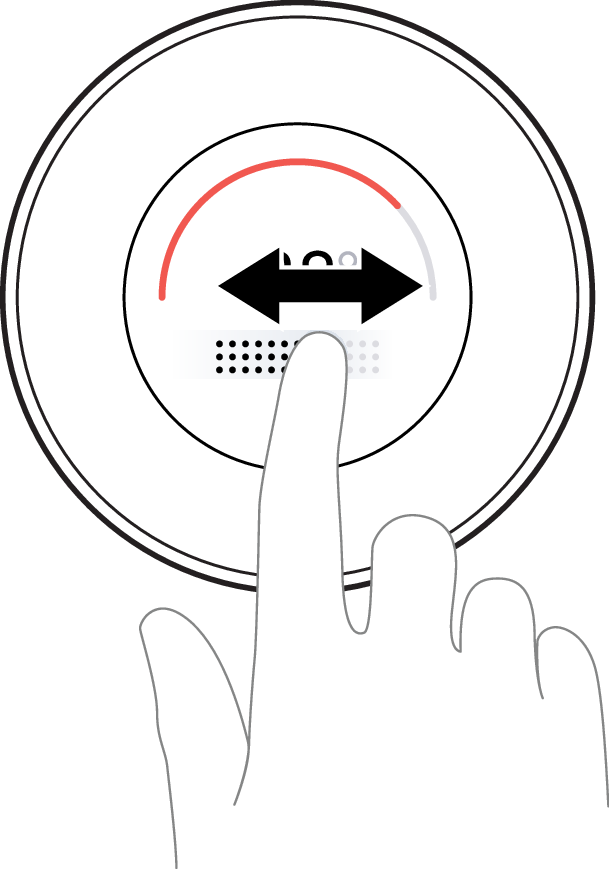
[en] Slide the bar to adjust the water flow
[en] Slide to the right to increase the flow, and to the left to decrease the flow. The darker dots indicate the current water flow.
 |
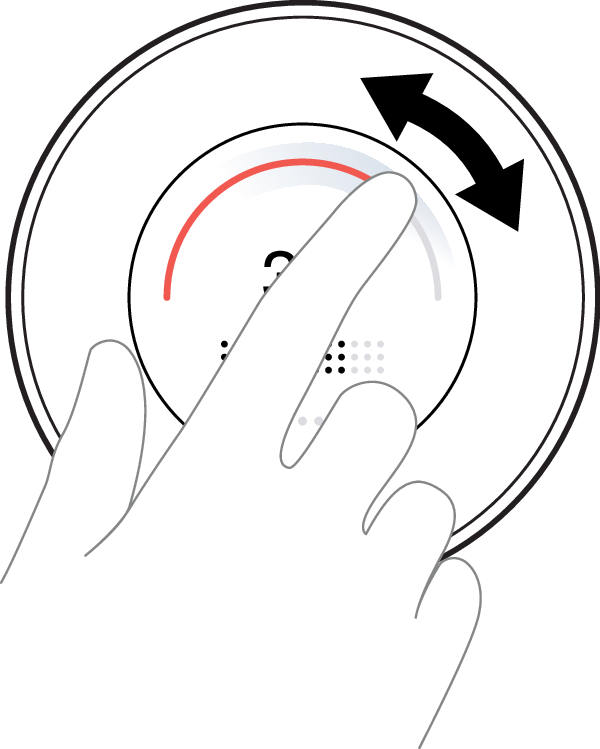
[en] Slide the arc to adjust the water temperature
[en] Slide to the right to increase the temperature, and to the left to decrease the temperature. The bold part of the arc indicates the current temperature.
 |
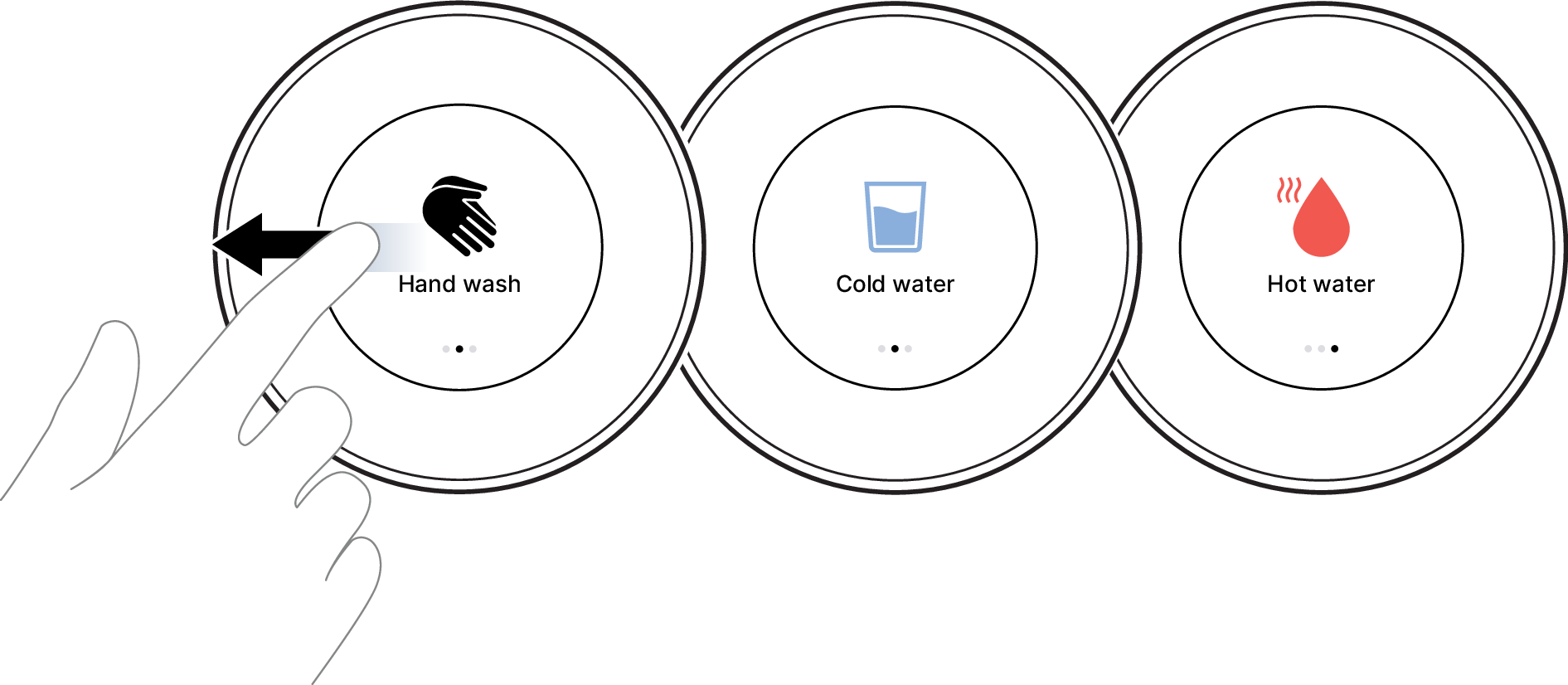
[en] Swipe to the side to reach the presets
[en] Change to Hand wash, Cold water, or Hot water. See [en] Presets and menu features for more details.
 |
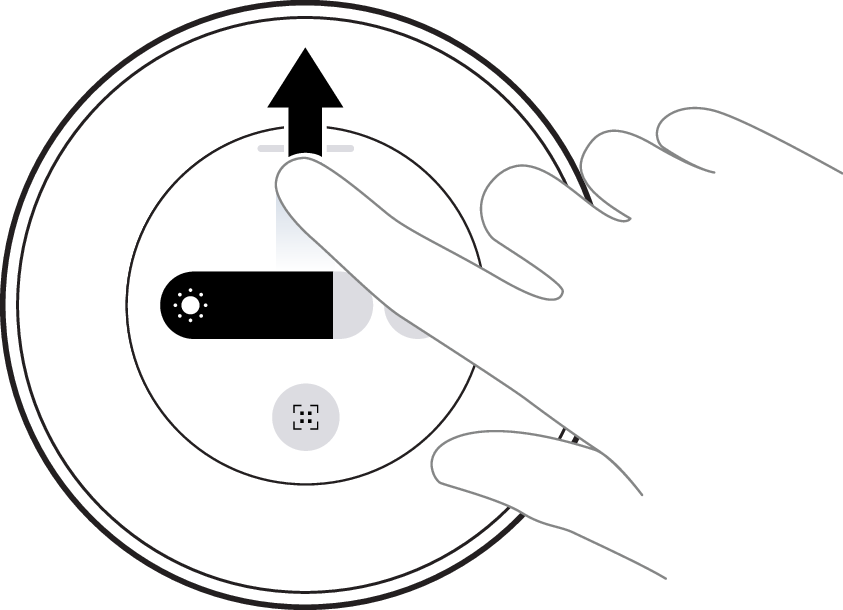
[en] Swipe up to reach the Status center
[en] Adjust the screen light, change to Dark/Light theme, see the Wi-Fi status, and reach the Device ID. See [en] Presets and menu features for more details.
 |