[en] Connect the Tap to your account and set up Wi-Fi
[en] Download the My Water by Orbital Systems app from App Store or Google Play.
[en] Tap Sign Up to create an account. Fill in the details asked in the app.
[en] Go to Add device, and then Scan Device ID.
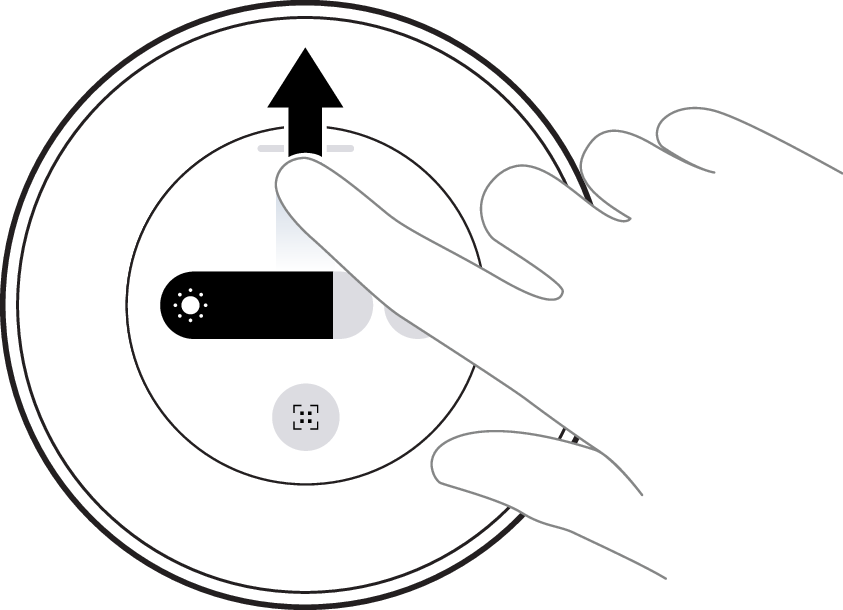
[en] Swipe up to reach the Control Dial Status center.
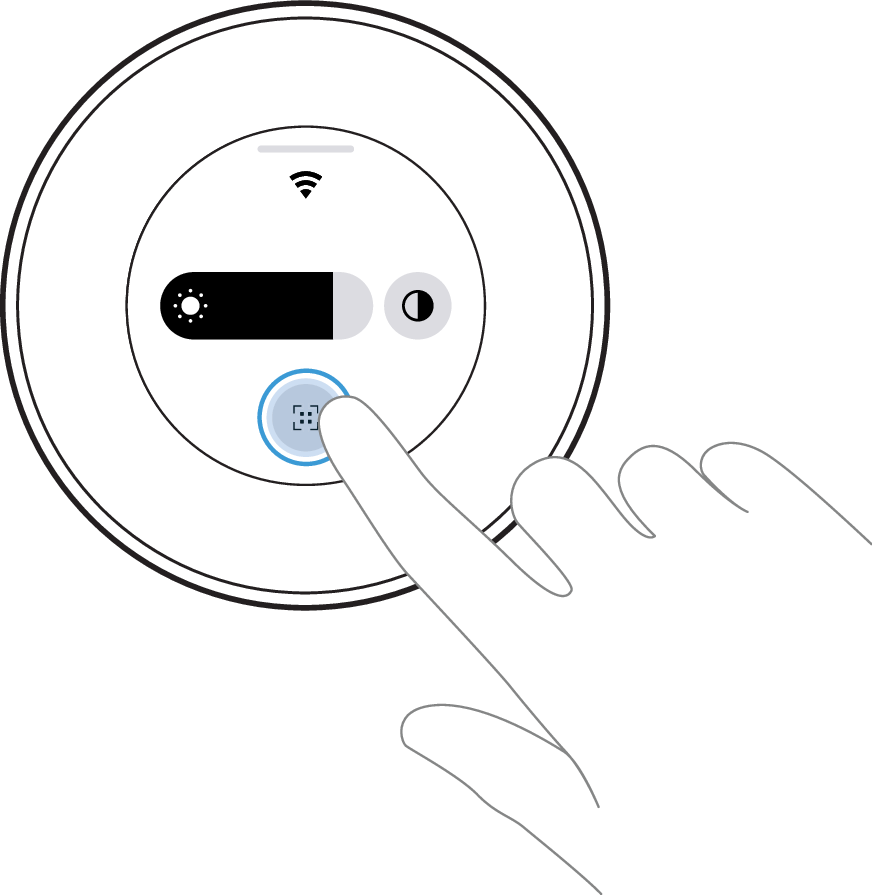
[en] Tap the Device ID symbol.
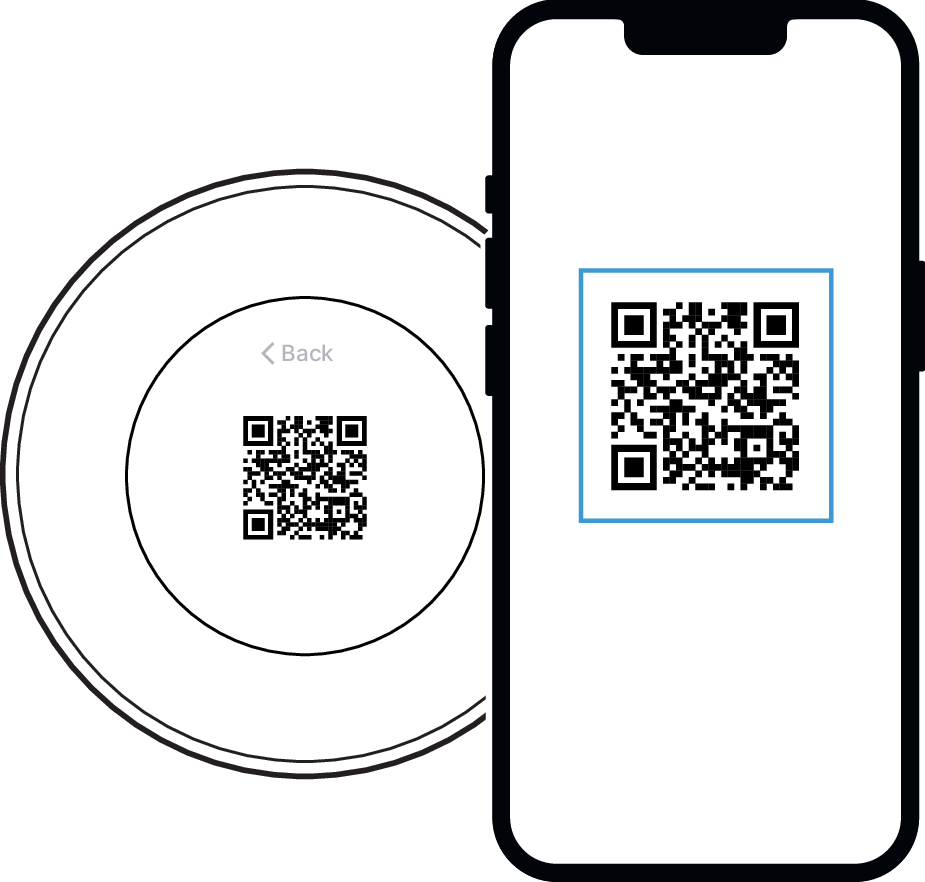
[en] Scan the QR code and follow the instructions in the app to connect your device.
[en] Your Orbital Tap is now connected!