Status center
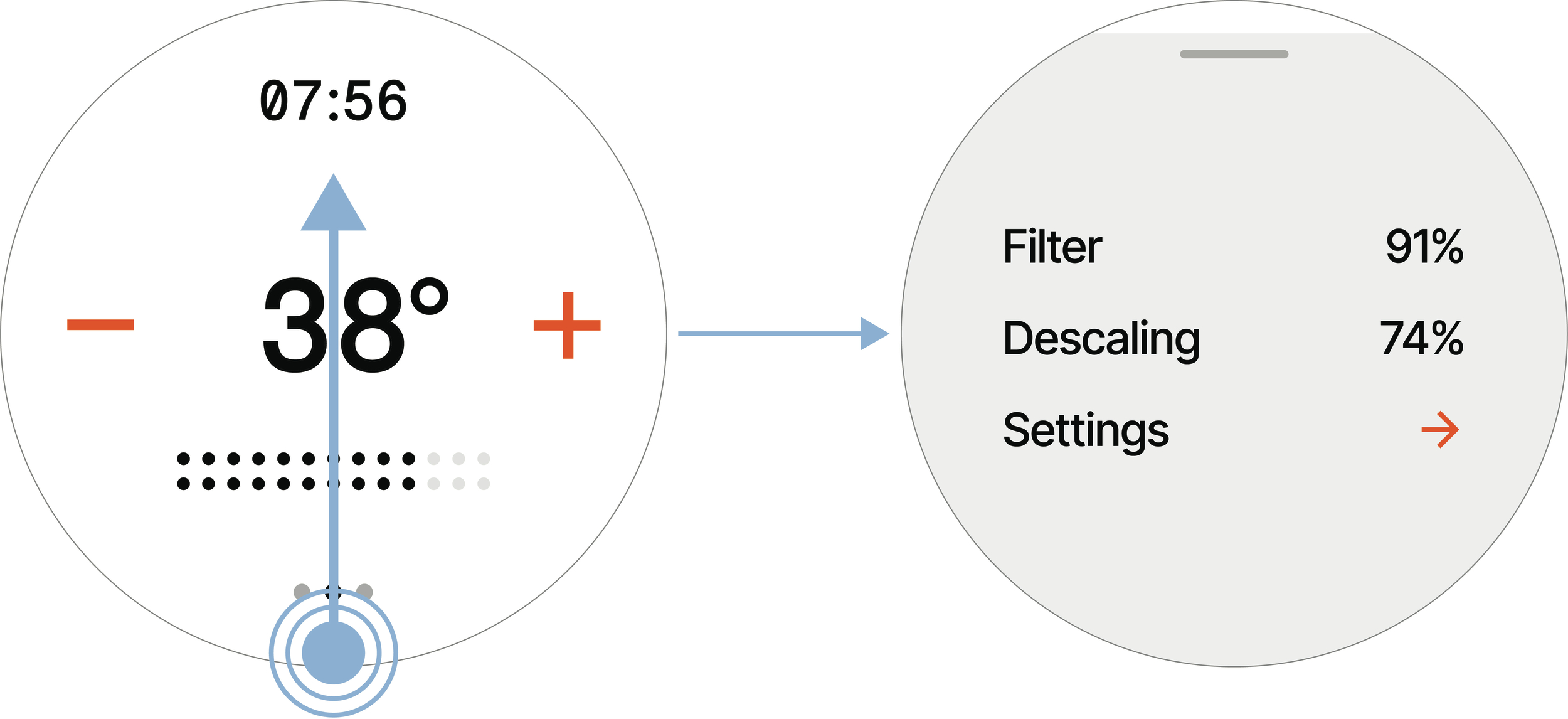 |
Swipe up from the bottom edge of the screen to open the Status center. Swipe down from the top edge to close it again.
Settings
Display | |
Brightness | Slide to set the screen brightness from 0 to 100%. |
Appearance | The Control Dial has two visual themes: Dark theme and Light theme. |
Units | Metric: litres, °Celsius, and 24-hour clock. Imperial: gallons, °Fahrenheit, and 12-hour clock. |
Maintenance | |
Descale | Activates the Descaling program. Can only be started when the shower is idle. See Chapter Descale for more details. |
Deep cleaning | Part of the Automated cleaning cycle; but can also be run manually when the shower is idle. See Automated cleaning for more details. |
Detergent cleaning | Part of the Hibernation preparation; but can also be run manually when the shower is idle. See Detergent cleaning for more details. |
Screen cleaning | Locks the Control Dial screen so you can wipe it without accidentally activating the touchscreen. Long press to unlock the screen again. |
Device | |
Device ID | Displays the shower's unique ID. |
Hibernation mode | Sets the shower into a resting state for longer periods of non-use, for example in between stays in a summer house or off-season at a hotel. See Hibernation mode for more details. |
Factory reset | Resets the shower to its factory settings. Choose whether to keep the Wi-Fi settings or reset them as well. |
Add Wi-Fi | Initiates Wi-Fi setup, which is then continued in My Water. Available only when the shower is idle. |