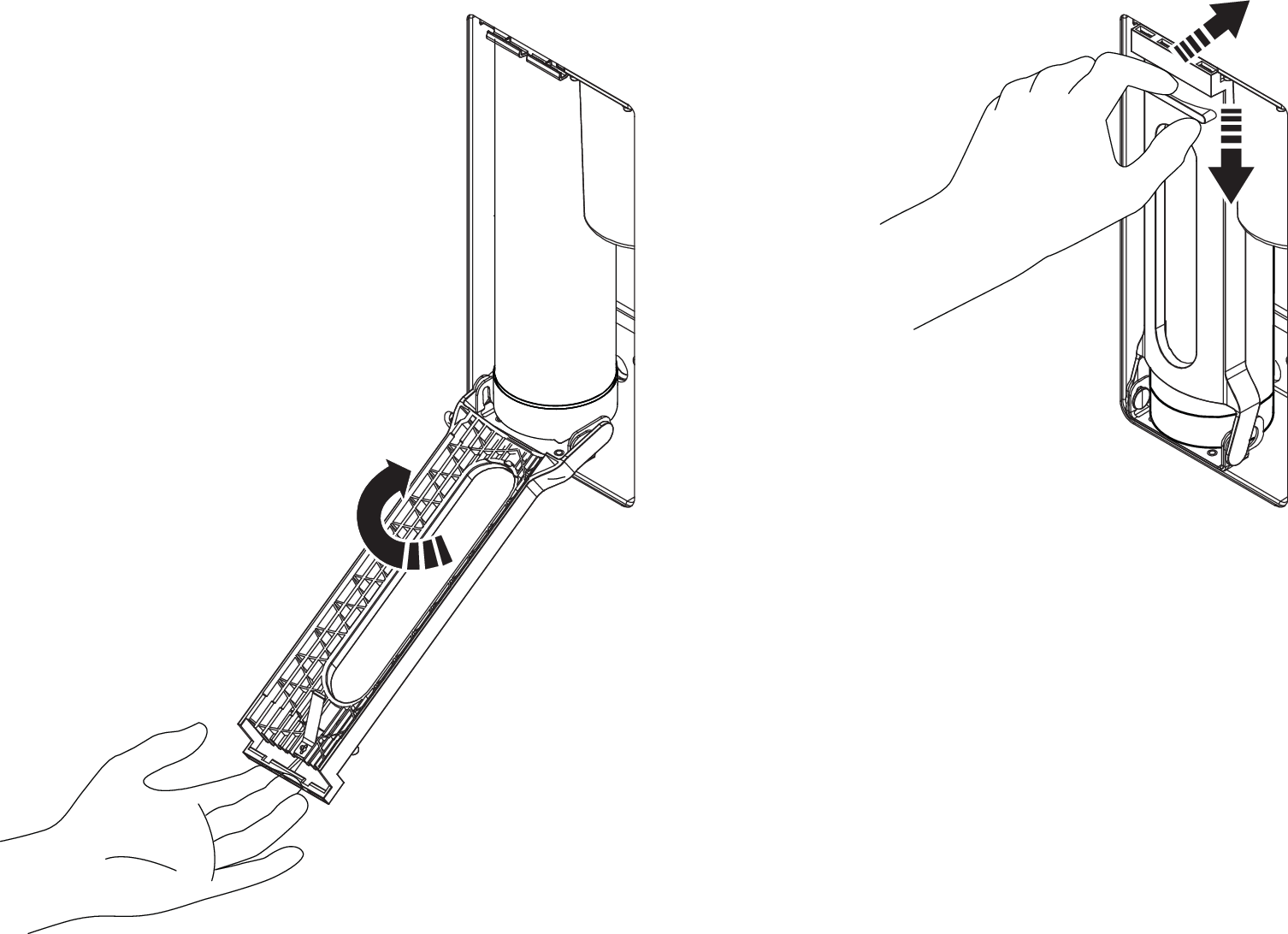
Change the Filter Capsule
Needed consumable: Filter Capsule
Filter Capsule Model No: OS C1050085A10
Use only Orbital Systems Filter Capsule OS C1050085A10 in the shower system
Spare Part Reference: 1-05-0496 Filter Capsule
| Change filter notification shown in the My Water app. | |
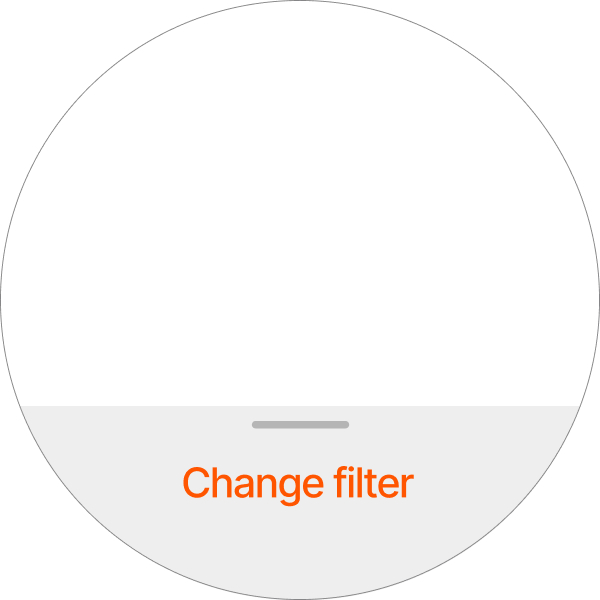 | Change filter notification shown in the Control Dial. The notification will stay on the screen until it has been dismissed (swipe downwards), or until the Status center has been opened. |

After the filter has been changed, it may take up to one shower session before the notification disappears.
For instructions on opening the Hatch Wall Box, see Open the Wall Box door.
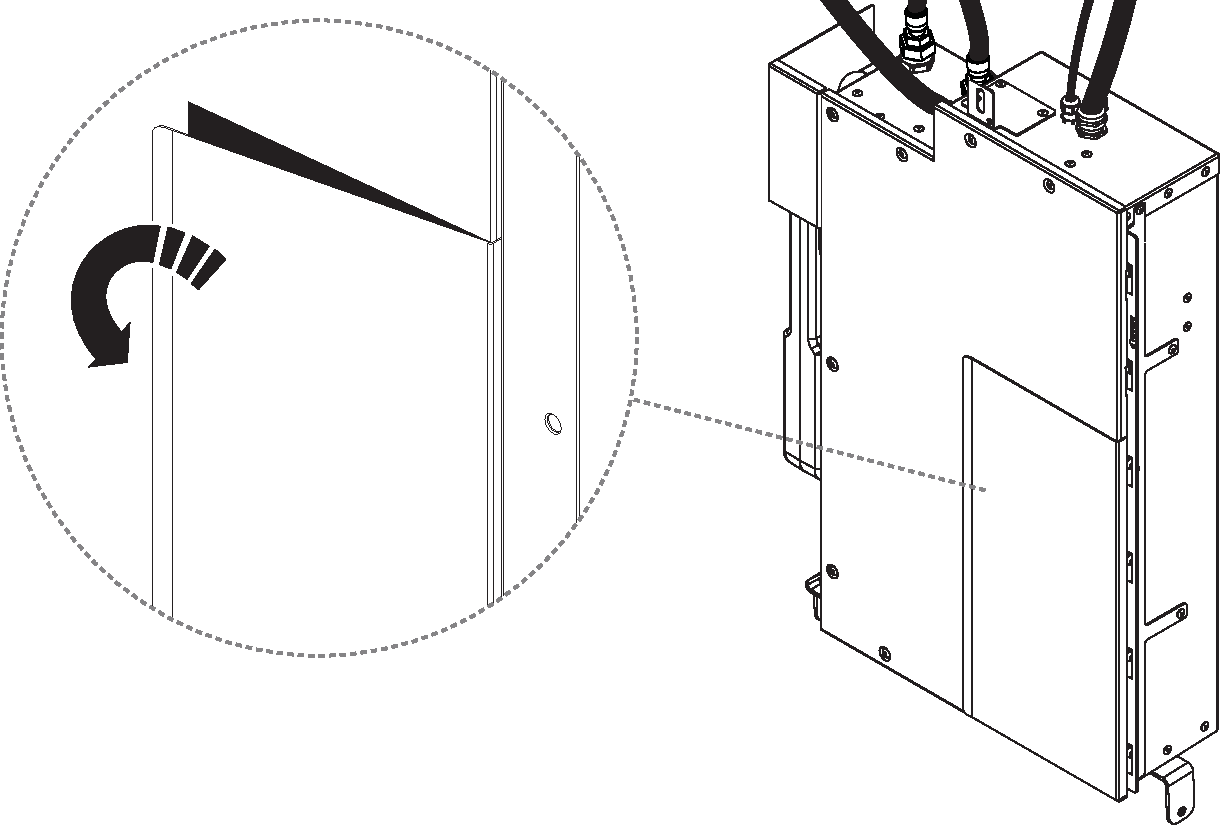
Open the filter hatch on the Core.
Release the filter holder.
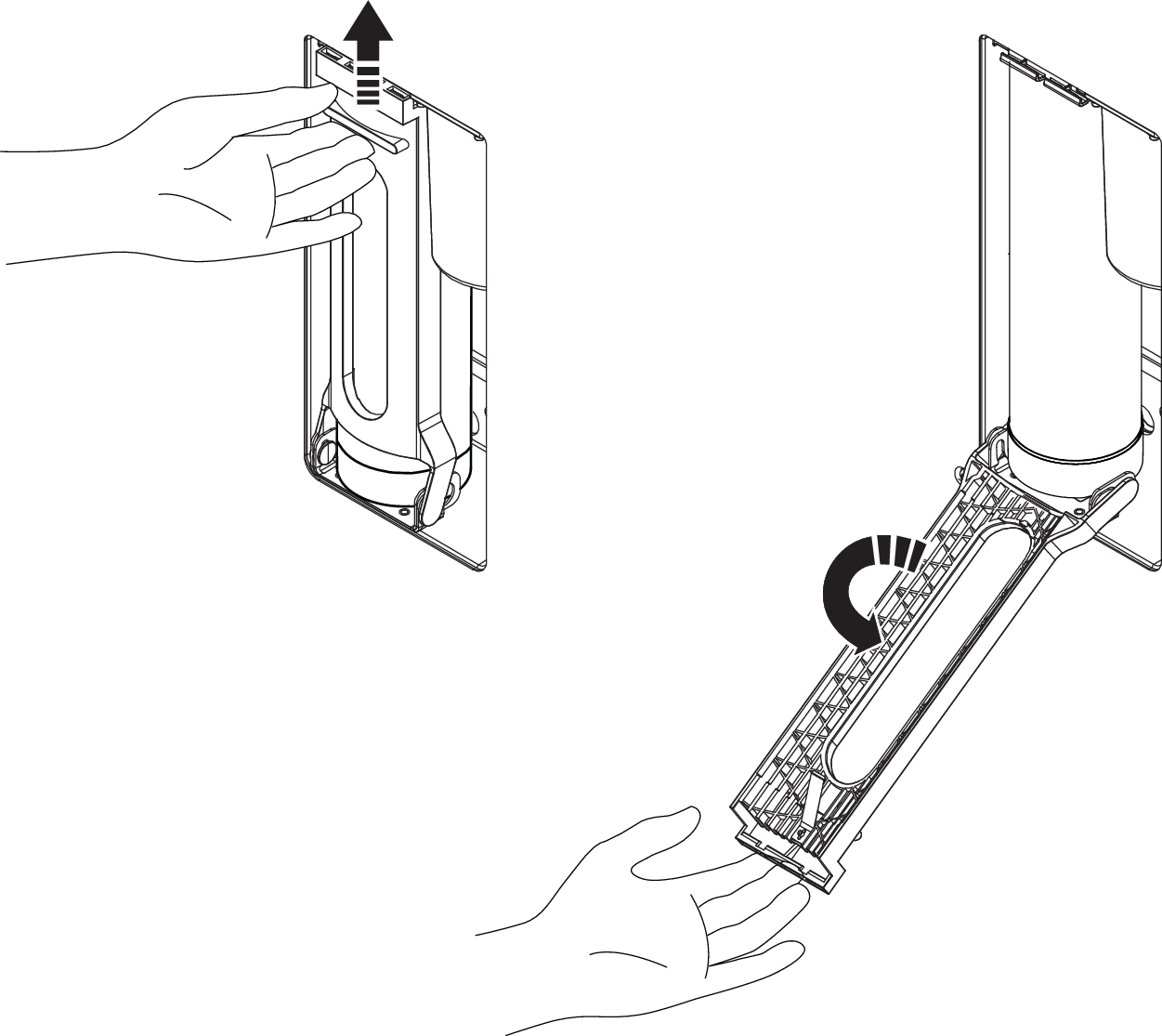
Remove the Filter Capsule.
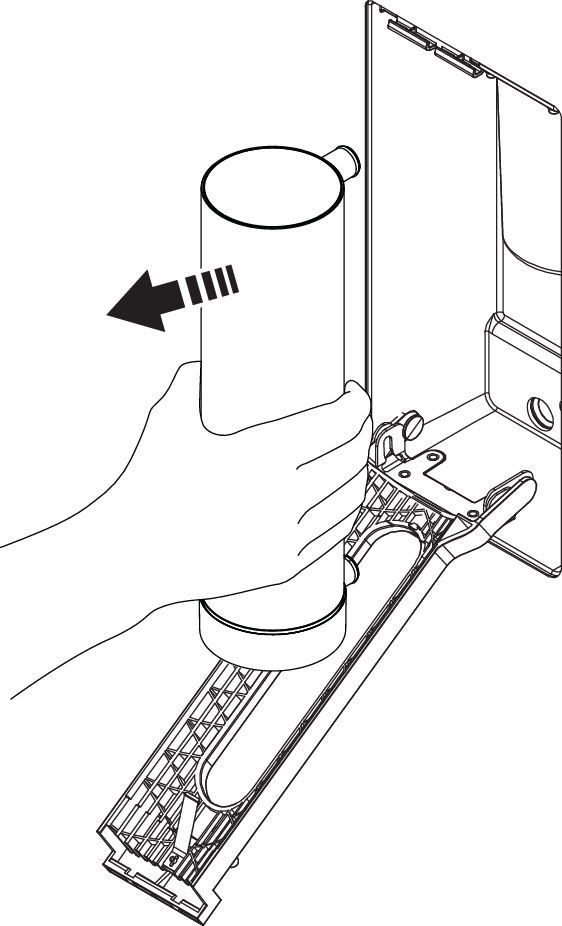
Insert the new Filter Capsule and close the hatch.
Risk of leakage
Make sure the Filter Capsule is inserted all the way in, or leakage may occur.
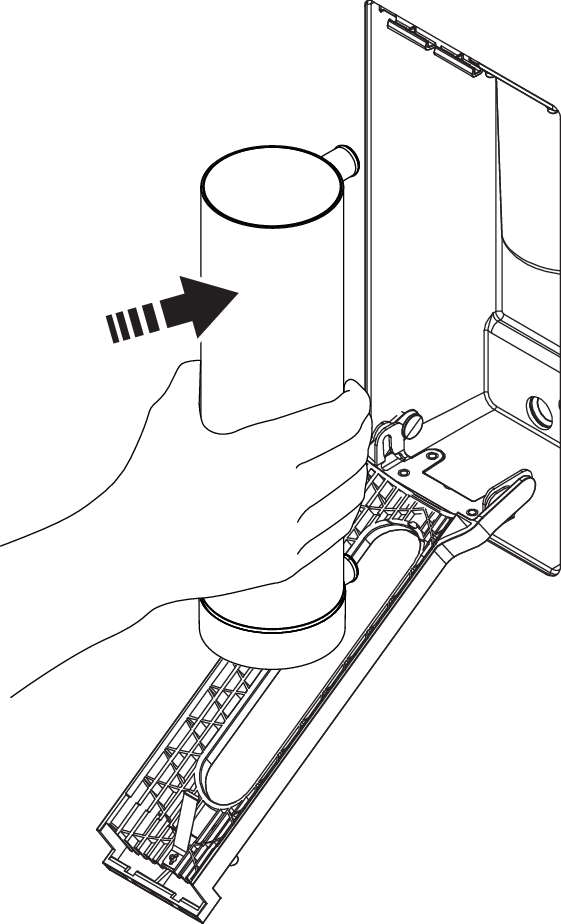
Close the filter holder and hatch on the Core.