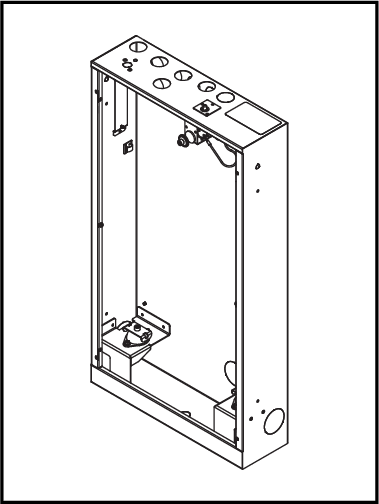
[en] Install Wall Box
 |
[en] Attach the diverter pipe to the provided LK mixer bracket. This is important to prevent the pipe from detaching from the diverter. Follow the supplier's instructions.
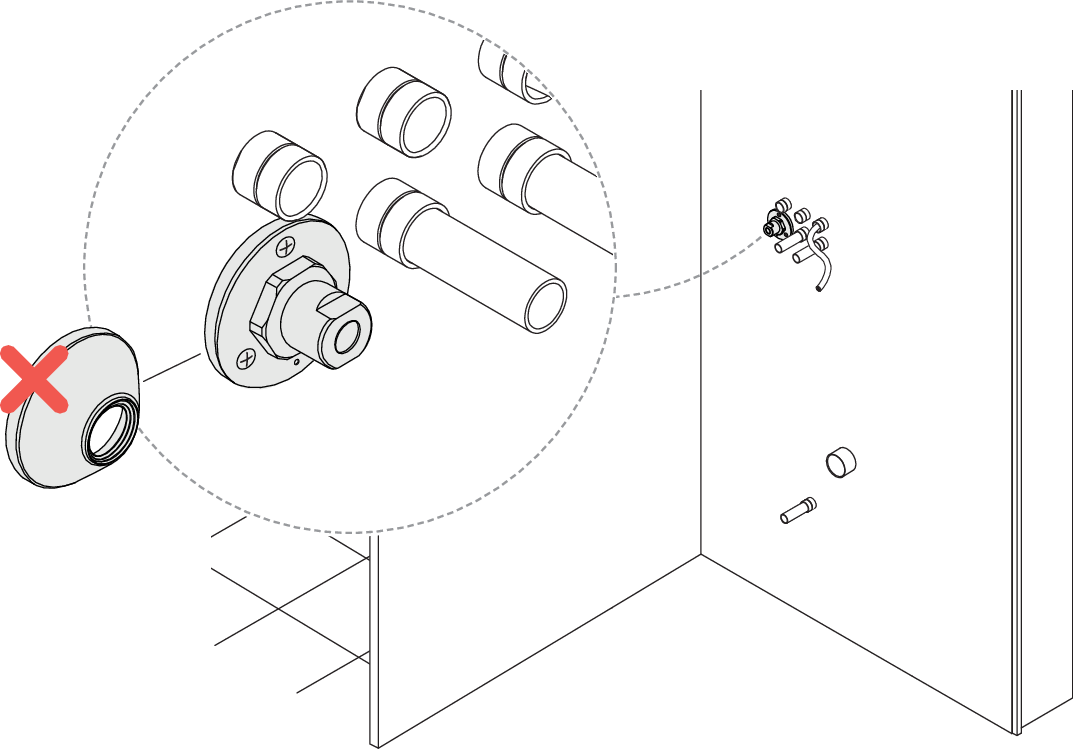
[en] Punch holes in the sheet metal on the back of the Wall Box to fit the mixer bracket and the drain pipe.
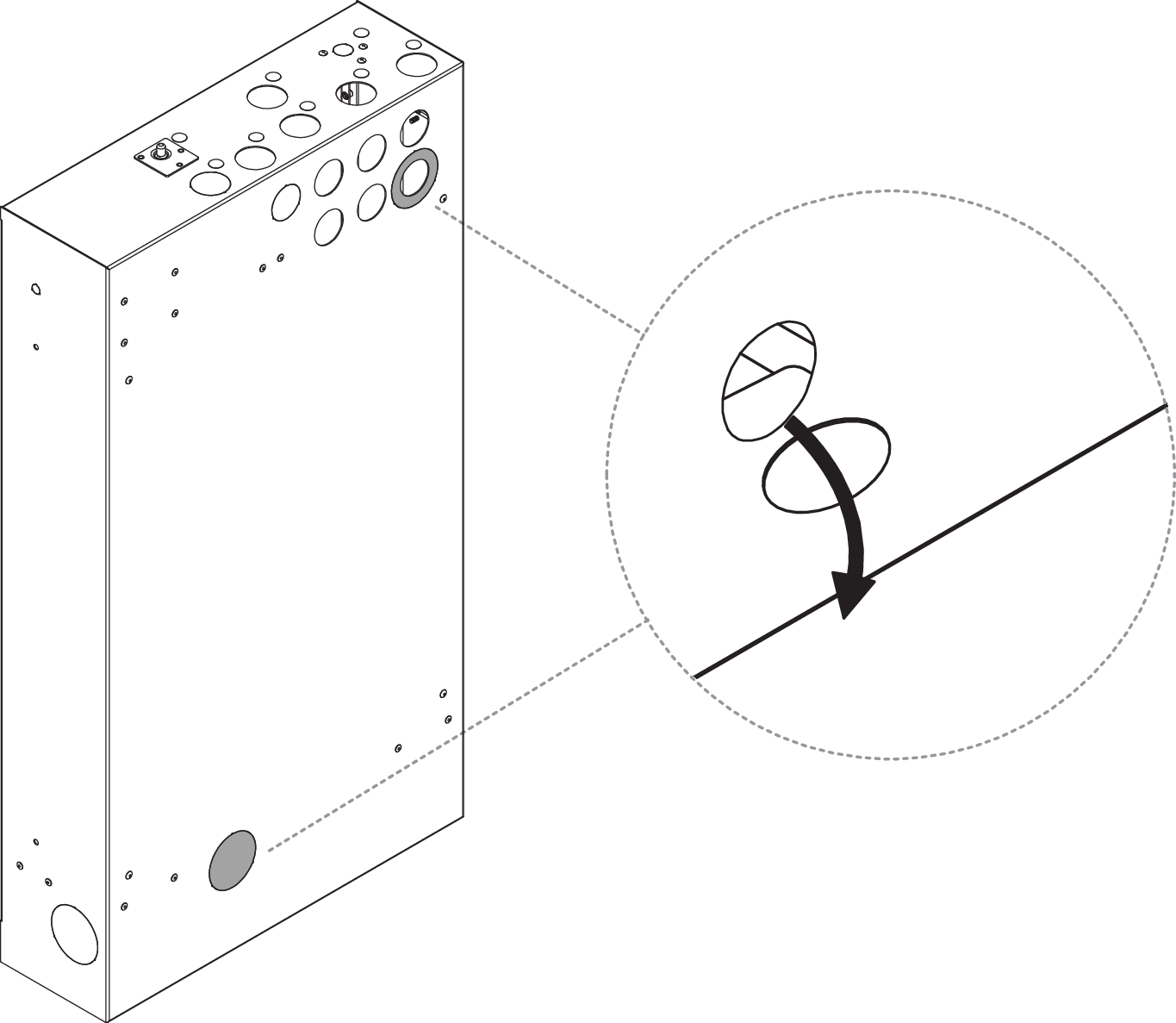 Figure 69. [en] Only valid for Orbital Audio
[en] Punch out a hole in the perforated plate for the exciter cable.
![[en] Only valid for Orbital Audio](image/uuid-64a189dc-7d6e-8bee-db09-d218f40df4f5.png)
Coupez les cônes en fonction du diamètre du conduit.
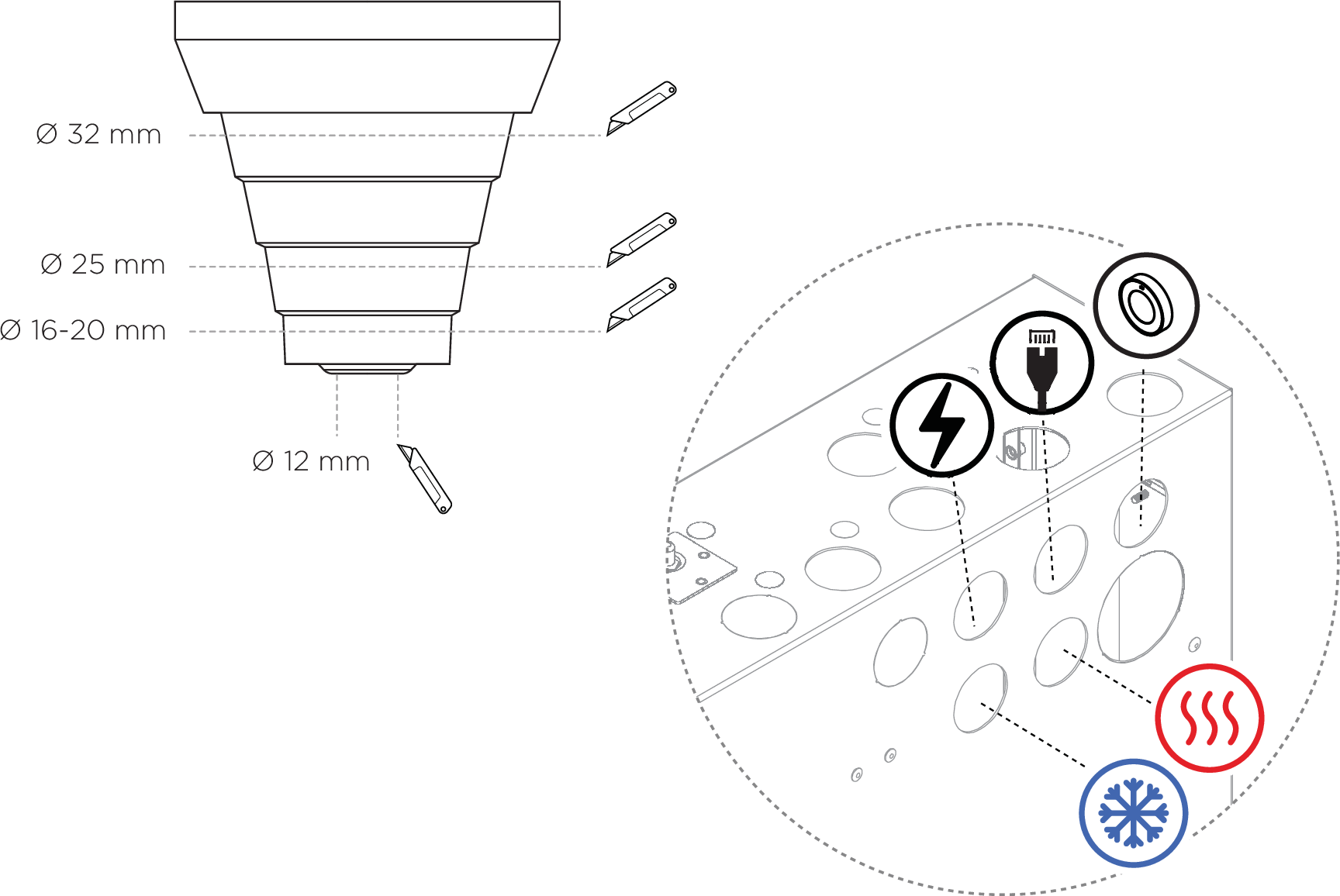
[en] Cut the cone to fit the drain pipe (50 mm).

[en] The weight of the Shower Core is approx. 25 kg. The wall construction must be able to support this load.
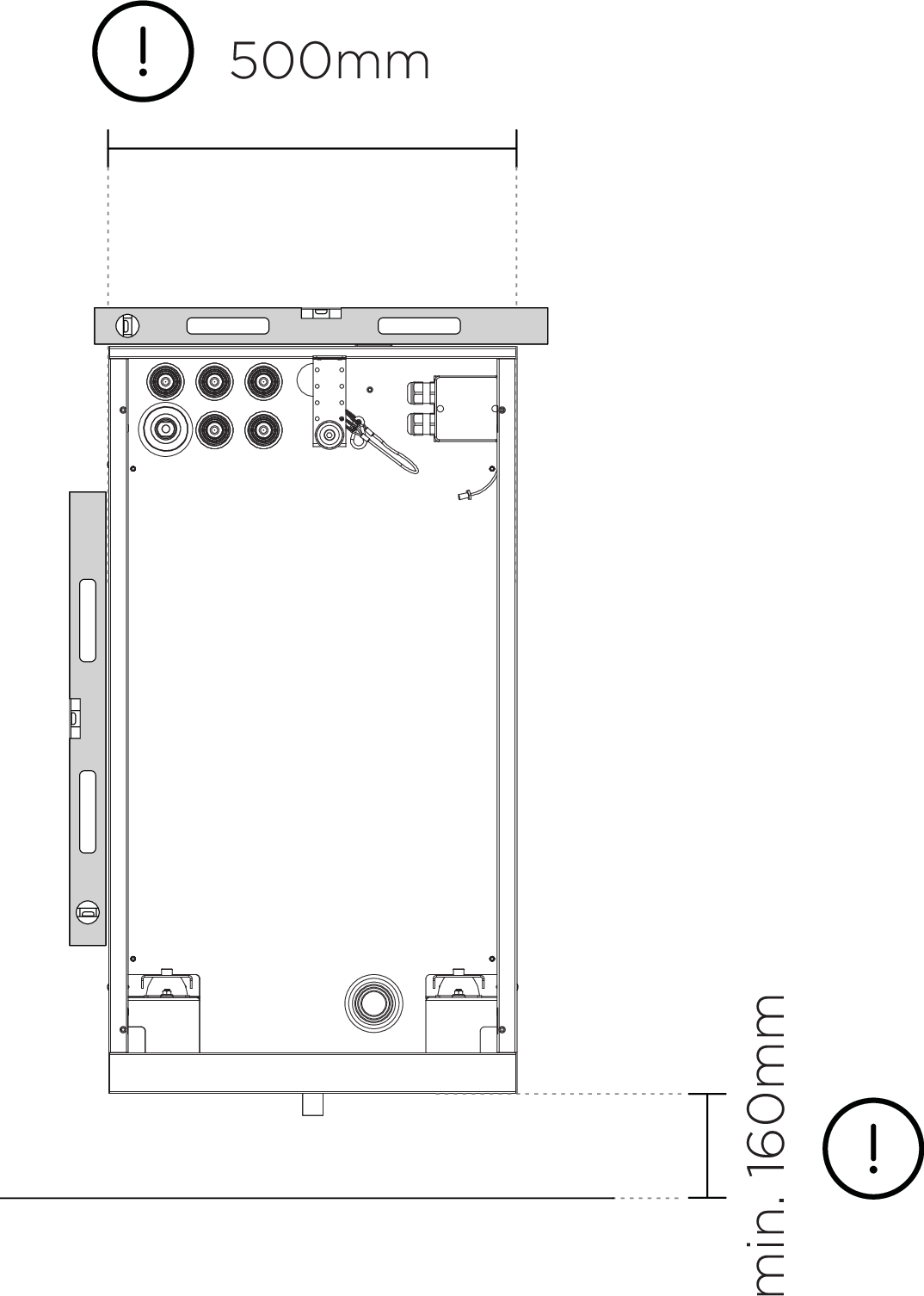
[en] Mount the Wall Box to the wall.
Note
[en] Two variants of screws are included in the kit from LK, short and long, depending on the wall.
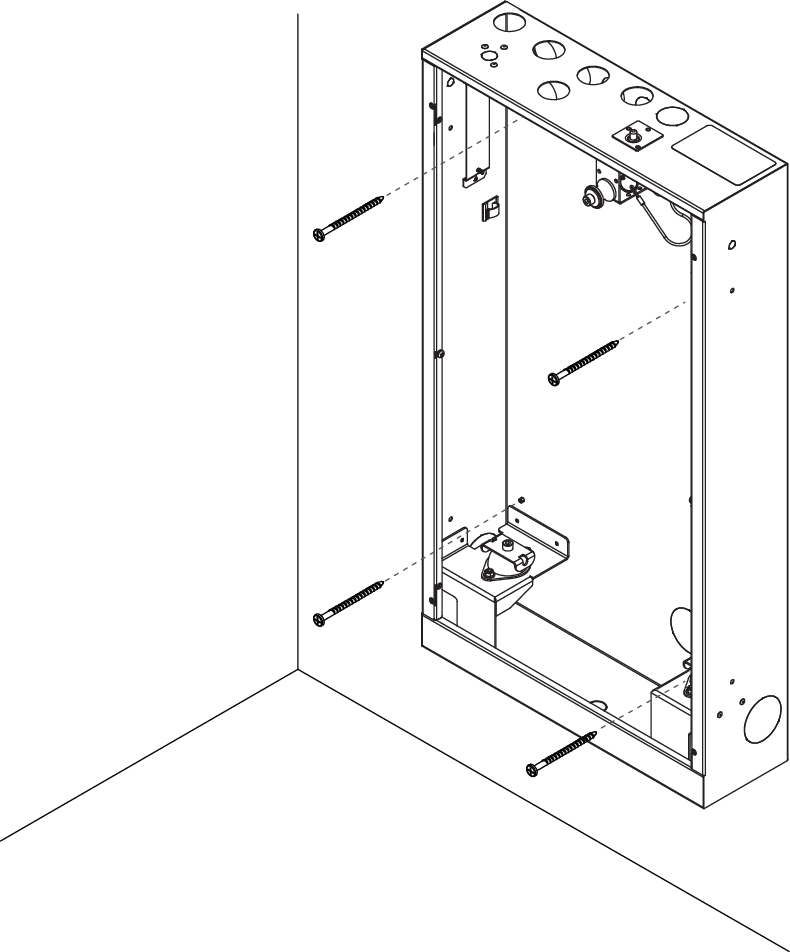
[en] x4
[en] Pan head stainless steel screw
[en] Cover the unused screw holes in the sides of the Wall Box with the provided LKS plugs.
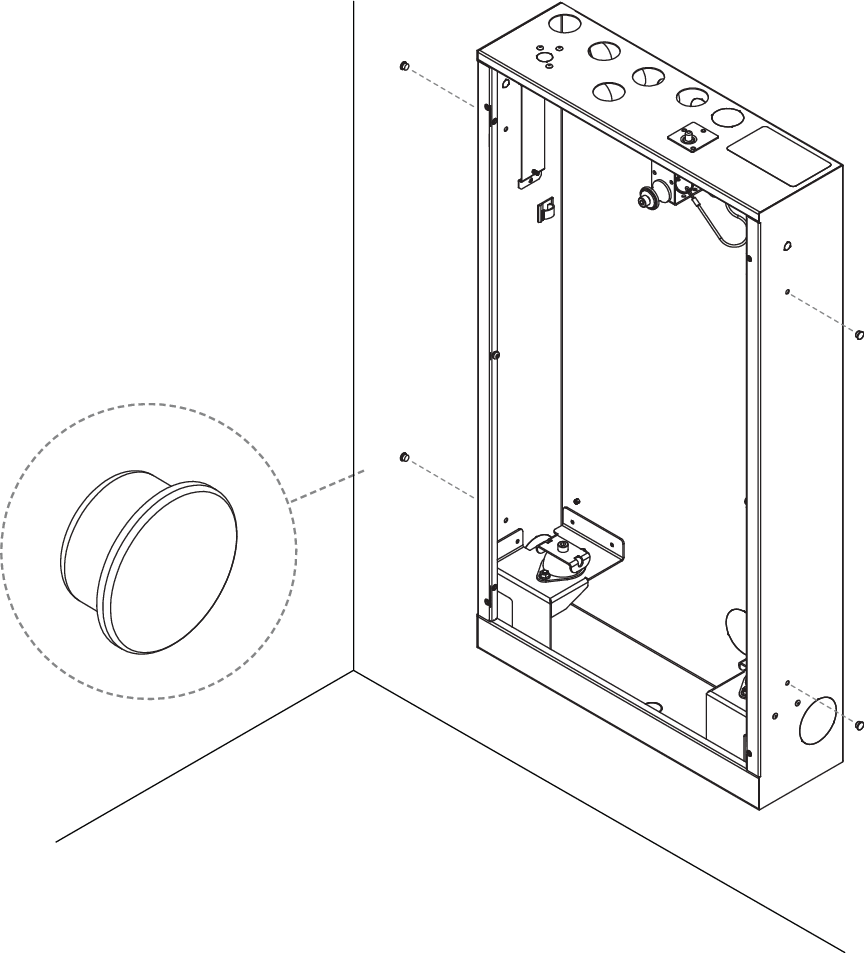
[en] x4
[en] LKS Plug