[en] Install Wall Box
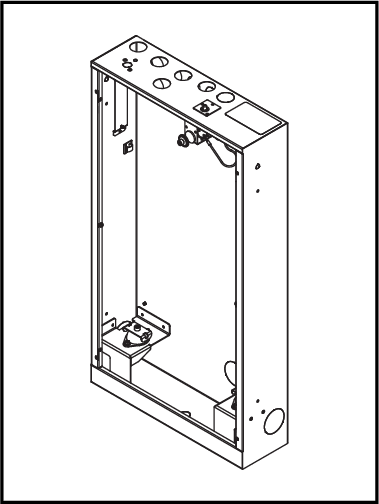 |
[en] Punch out one hole in the sheet metal on one of the sides of the Wall Box, depending on the installation scenario.
 Figure 41. [en] Only valid for Orbital Audio
[en] Punch out holes in the perforated plate for the exciter cable and antenna.
![[en] Only valid for Orbital Audio](image/uuid-d4b361e7-5272-f292-e3ea-2794b1ce8581.png)
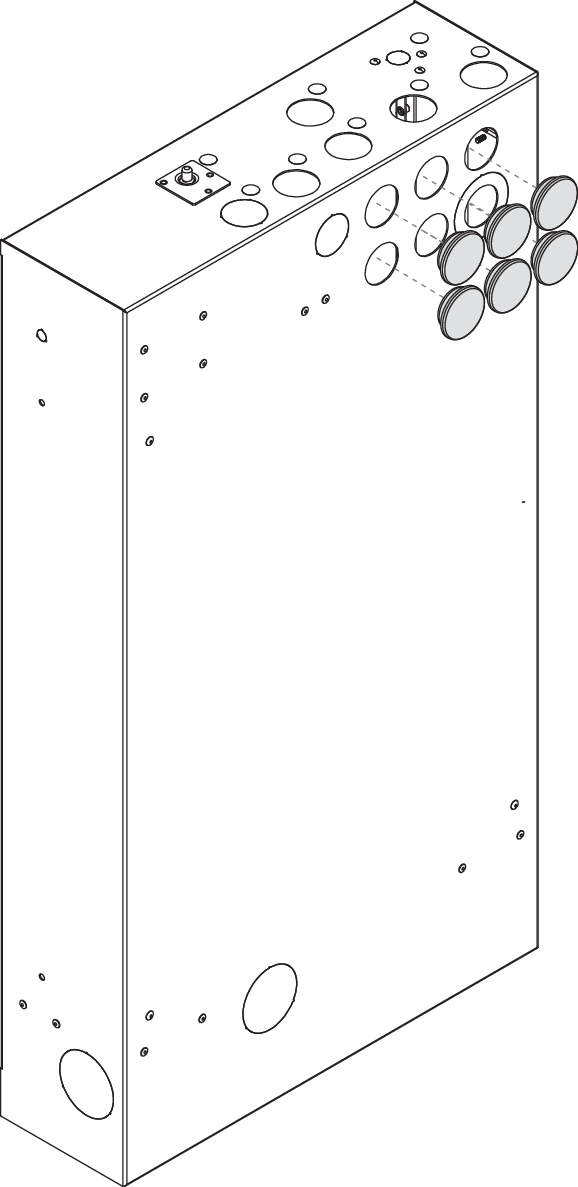
[en] Cover the unused holes in the back of the Wall Box with plastic lids.
[en] Cover the unused screw holes in the back of the Wall Box with the provided LKS plugs.
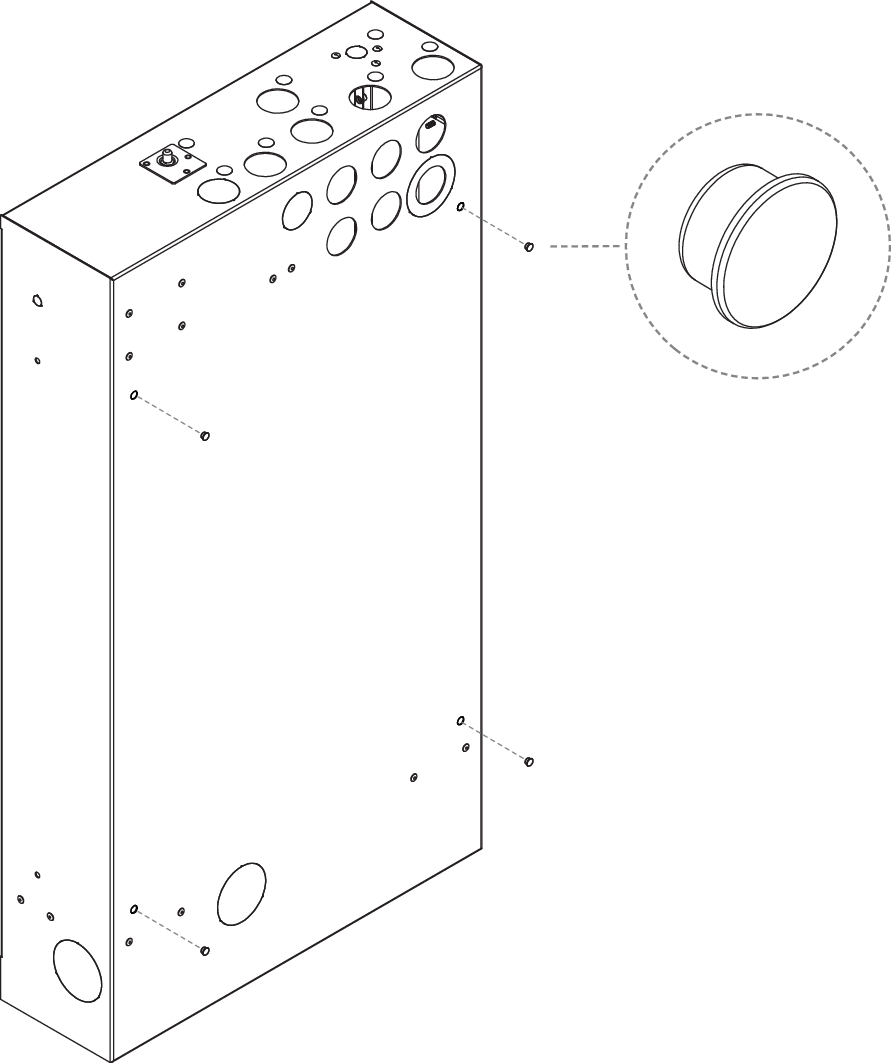
[en] x4
[en] LKS Plug
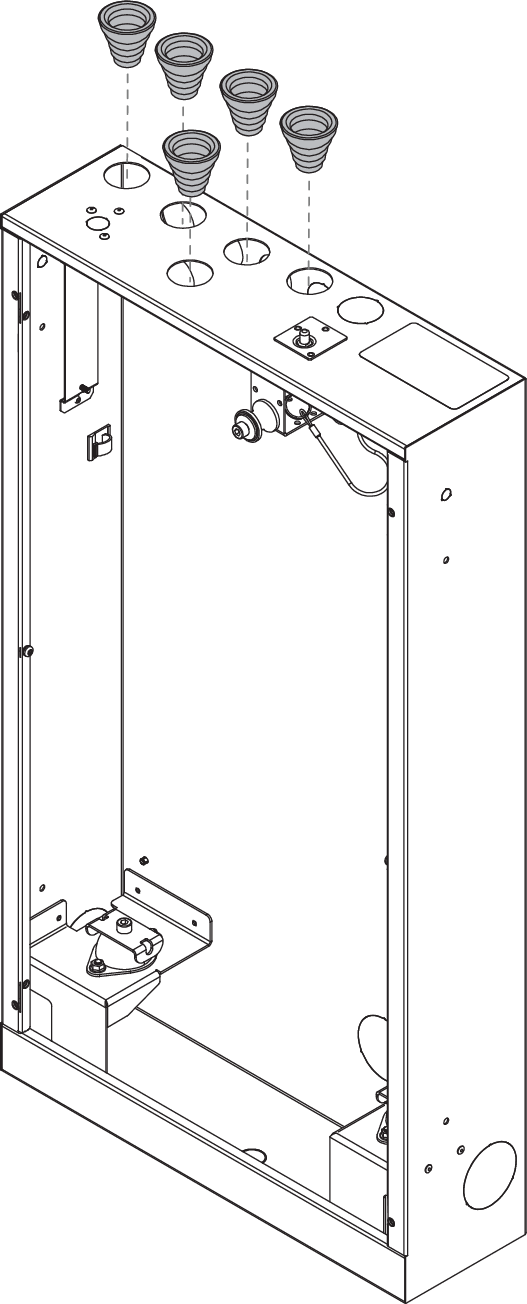
[en] Attach the pipe grommets.
Note
[en] The weight of the Core is approx. 25 kg. The wall construction must be able to support this load.
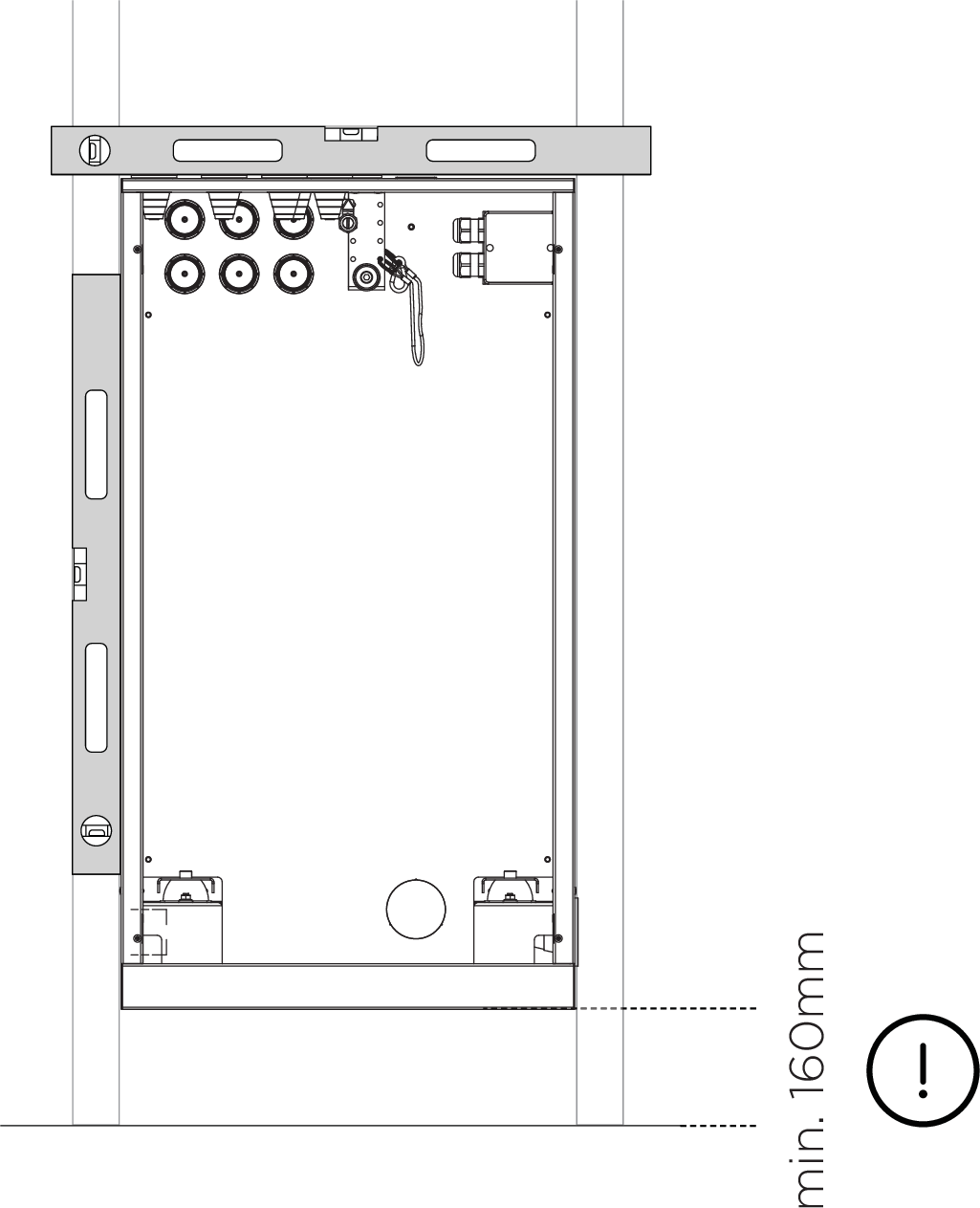
[en] Mount the Wall Box in line with the front of the studs.
Note
[en] Two variants of screws are included in the kit from LK, short and long, depending on the wall.
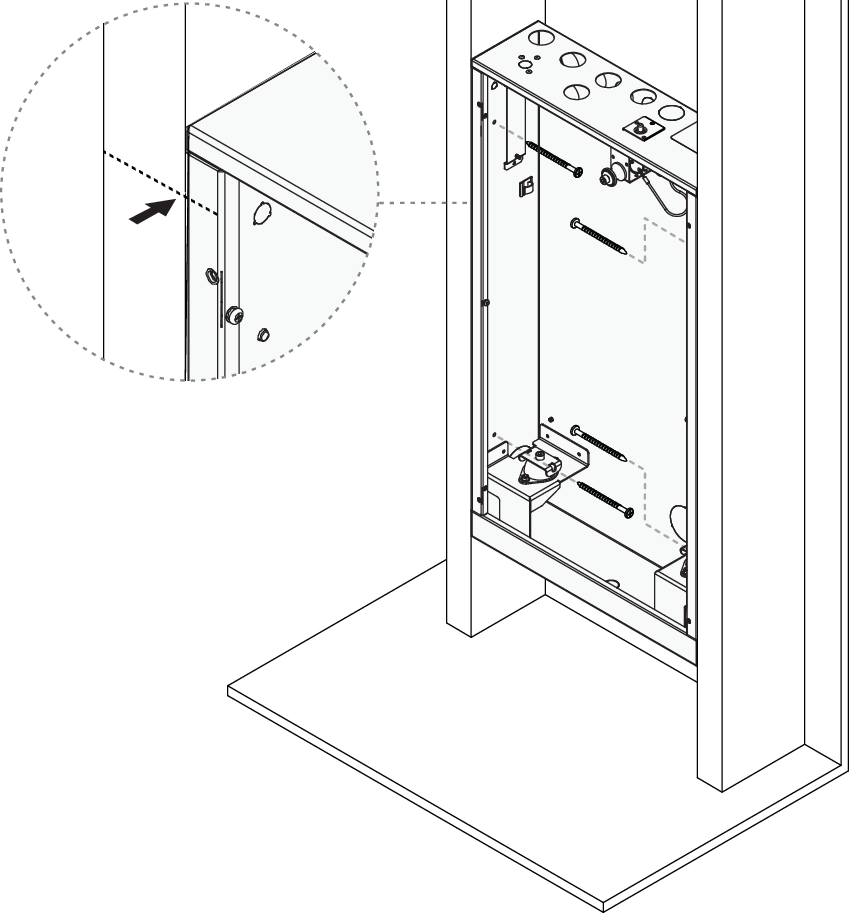
[en] x4
[en] Pan head stainless steel screw